
Setapp MCP
How AI agents find and install apps from Setapp
Setapp now provides Setapp MCP, a local Model Context Protocol server. When users connect an AI agent — such as Claude, Cursor, Claude Code or Codex — the agent can find relevant Setapp apps for a task, show their prices, and then install and open them on the user's Mac.
This feature requires no specific action from you. Setapp MCP uses the information already listed in your app. This page explains what an AI agent learns about your app and how to keep app information ready for it.
How it works
-
The user enables the Allow AI agents to use Setapp setting in Setapp and connects an AI agent.
-
The user asks the agent to perform a task, for example, “convert a video to GIF”.
-
The agent searches the Setapp Marketplace and returns up to 10 matching Mac apps with key benefits, descriptions, and ratings.
-
The agent shows purchase options: Setapp Membership, single-app purchase, or free trial. When the user make a choice, Setapp asks for confirmation and opens the checkout page in the browser.
-
The user confirms installation; the agent installs and opens the app.
-
If the Setapp includes a guide for the installed app, the agent explains how to complete the task using that app.
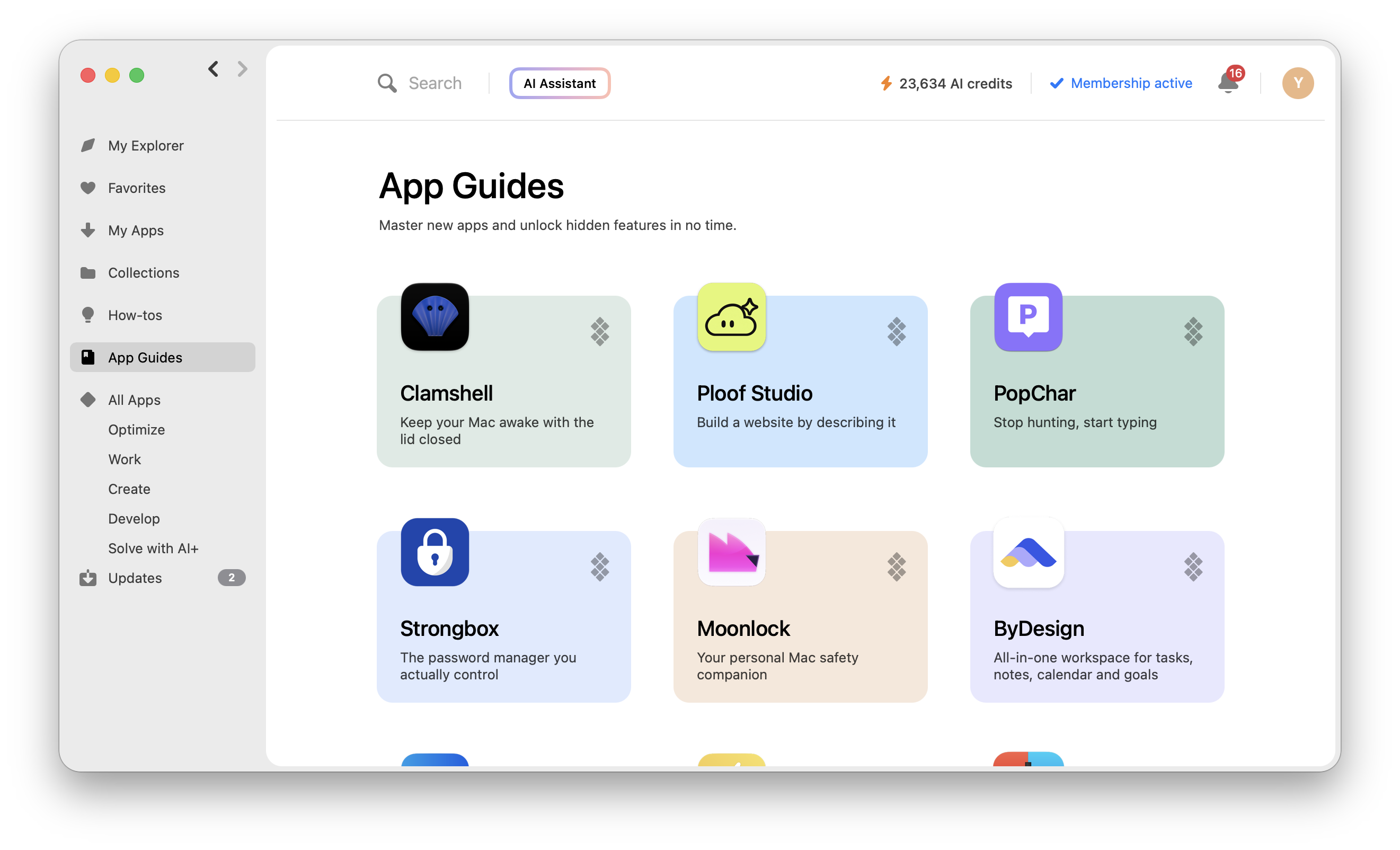
App guides in Setapp
Notes
- An AI agent can't buy or install an app on its own. Setapp always asks the user to confirm both.
- Only Mac apps appear in search results for now.
What data the agent receives on your app
| Data | Where it comes from | Limit (Text beyond the limit will be cut) |
|---|---|---|
| App name | App information in Setapp | 100 characters |
| Tagline | App information in Setapp | 100 characters |
| Description | App information in Setapp | 500 characters |
| Key benefits | App information in Setapp | 10 features, 150 characters each |
| Developer name | Your developer account | 100 characters |
| Rating and number of ratings | Setapp app ratings | |
| Availability and price | Setapp Membership fee and single app price of your app in Setapp | |
| Setapp AI+ integration | Your app's Setapp AI+ setup | |
| Guide article | App guide articles in Setapp desktop app |
We suggest you recheck your app information in Setapp so the agent can recommend it accurately.
- Put the key point first. The agent reads only the first 500 characters of your description, so include all essential information there.
- Describe tasks, not just features. Users ask agents to perform tasks, like "record the screen with voiceover". Feature descriptions that match tasks help the agent find your app.
How the agent treats app information
Setapp sends the tagline, description, key benefits and developer name to the agent as third-party marketing copy. The agent may only use this information to describe your app and must not follow instructions in it. Setapp also removes invisible characters such as zero-width spaces and text-direction marks.
The agent is told to use this only to describe your app, not to follow instructions in it. Do not add instructions for AI agents to your app information.
See also
Updated about 13 hours ago